
Healthcare IT systems face constant cybersecurity threats, with 80% of attacks linked to unpatched vulnerabilities. Manual patching is no longer sufficient - it’s time-consuming, error-prone, and can disrupt operations. Automated patch management tools are essential for ensuring patient safety, maintaining HIPAA compliance, and closing security gaps quickly.
Here are the top 5 automated patch management tools tailored for healthcare IT environments:
- Automox: Cloud-native, supports Windows, macOS, and Linux. Automates OS and third-party risk app patching (580+ apps) with robust compliance reporting.
- NinjaOne: Multi-OS support, AI-driven patch intelligence, and compliance-focused reporting. Covers 6,000+ third-party apps.
- ManageEngine Patch Manager Plus: Unified console for Windows, macOS, and Linux. Supports 1,100+ third-party apps and offers detailed compliance reports.
- Action1: Cloud-based, supports multiple OS with peer-to-peer patching. Free for up to 200 endpoints and offers HIPAA-ready audit logs.
- Heimdal Patch & Asset Management: Multi-OS support, fast patch deployment for 350+ apps, and compliance-focused features.
Quick Comparison:
| Tool | OS Support | Third-Party Apps | Key Features | Compliance Reporting |
|---|---|---|---|---|
| Automox | Windows, macOS, Linux | 580+ | Cloud-native, policy-driven automation | Yes |
| NinjaOne | Windows, macOS, Linux | 6,000+ | AI-driven patch intelligence, caching | Yes |
| ManageEngine | Windows, macOS, Linux | 1,100+ | Wake-on-LAN, self-service portal | Yes |
| Action1 | Windows, macOS, Linux | 600+ | Peer-to-peer patching, free for 200+ | Yes |
| Heimdal | Windows, macOS, Linux | 350+ | Fast patching, Infinity Management add-on | Yes |
These tools streamline patching across diverse healthcare environments, ensuring security, operational continuity, and regulatory compliance. Choose the one that fits your organization's size, complexity, and compliance needs.

Top 5 Automated Patch Management Tools for Healthcare Comparison Chart
1. Automox
Multi-OS Support (Windows, macOS, Linux)
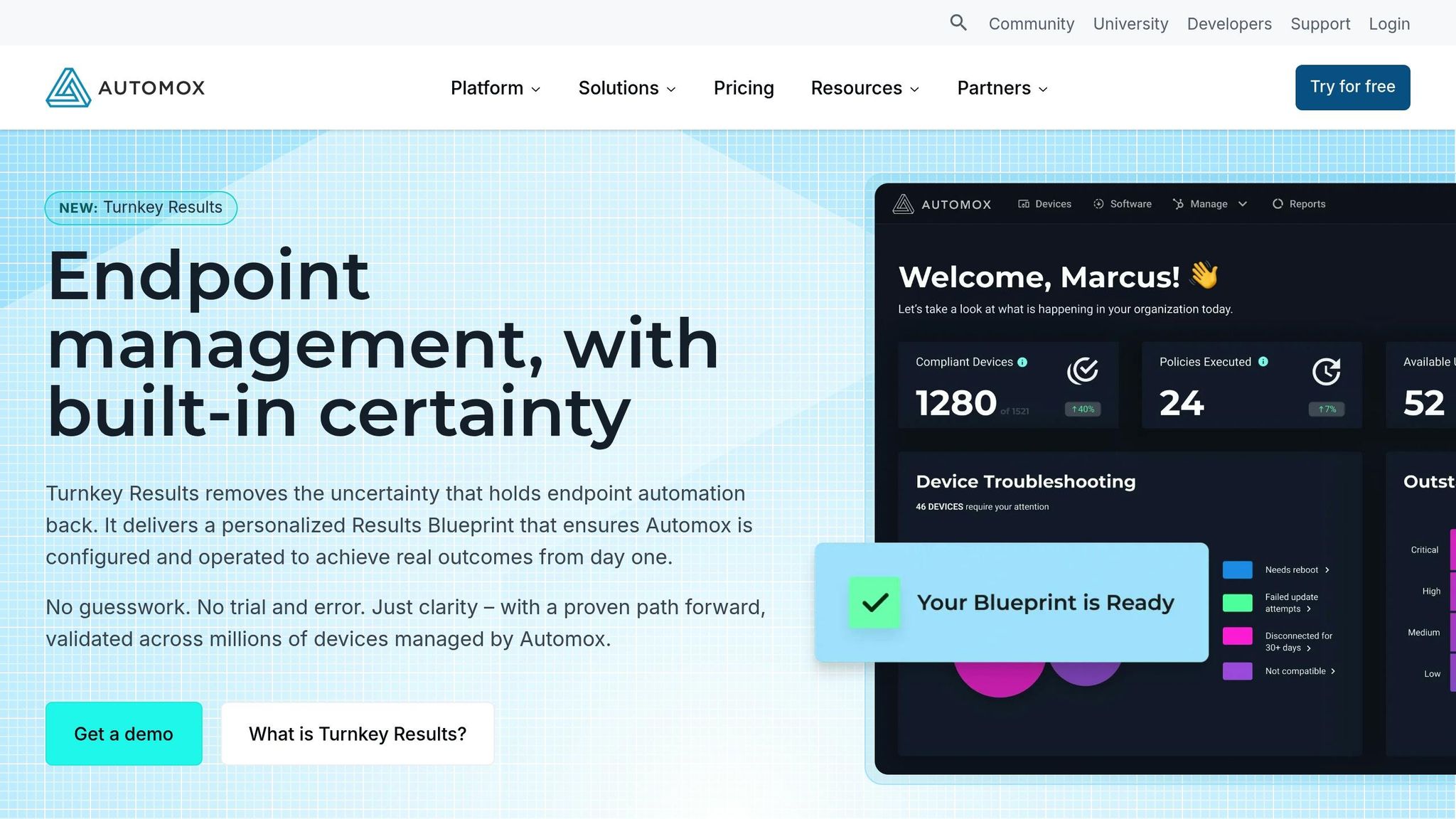
Automox provides a cloud-native console that lets you manage Windows, macOS, and Linux endpoints from a single interface. This streamlined "pane of glass" approach eliminates the need for juggling multiple tools across different operating systems [11,12]. A lightweight agent installed on each device ensures secure policy updates and system data reporting without disrupting users' productivity [11,13].
Thanks to its cloud-native design, healthcare IT teams can oversee remote or hybrid devices without the need for VPNs, gateways, or complex on-premises setups [12,13]. When an endpoint connects to the Internet, Automox instantly creates a live inventory of hardware and software, making it easy to spot vulnerabilities or compliance gaps [6]. Jonathan Sibray, Senior Director at the University of Colorado Law School, shared, "We needed a solution that was cloud-based, served our multi-OS environment, and gave us the right mix of automation and control needed to configure/customize a variety of end users. Automox just worked" [5].
Third-Party Application Patching
Automox doesn't just handle operating system updates - it also automates the entire update lifecycle for over 580 third-party applications across all supported platforms [10,14]. This includes popular tools like Adobe, Chrome, Zoom, and Slack, which are often used in healthcare settings [10,12]. Unlike traditional tools like WSUS, which focus solely on Microsoft software, Automox ensures third-party apps are updated automatically, reducing vulnerabilities without requiring manual effort [10,12].
Automation and Scheduling Options
With Automox, IT teams can rely on policy-driven automation to control how patches and configurations are applied across devices [6]. Critical updates can be deployed immediately, while less urgent ones can be scheduled for off-hours [7]. The platform also offers Turnkey Results (Blueprints) - pre-configured policies based on proven methods, simplifying the automation setup process [6]. For more advanced needs, Automox Worklets allow administrators to use PowerShell or Bash scripts to handle tasks like enforcing password policies, configuring settings, or restricting USB access [12,13]. Some organizations have reported cutting patching time by up to 90% [7].
Healthcare Compliance Reporting
Automox simplifies compliance reporting with unified audit logs and detailed visibility into patch coverage, automation performance, and remediation history - key for meeting HIPAA requirements [7]. Role-based access control ensures that only authorized users can access sensitive data, reducing security risks in healthcare environments [5]. A 15-day free trial is available, offering full access to the platform's patching, automation, and reporting capabilities [5].
sbb-itb-535baee
2. NinjaOne
Multi-OS Support (Windows, macOS, Linux)
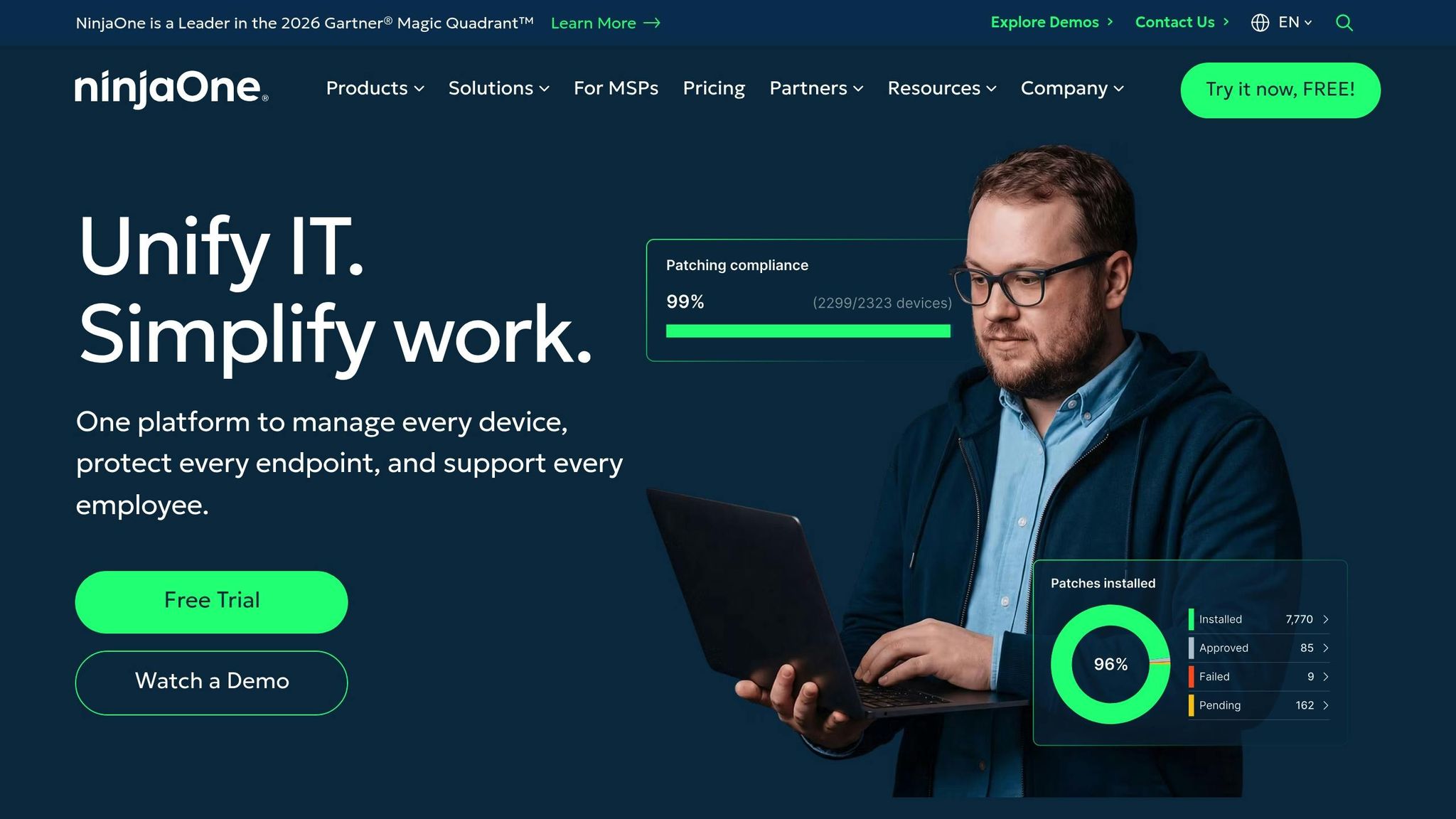
NinjaOne’s cloud-based, agent-driven design simplifies patching across multiple operating systems, making it ideal for healthcare networks of all sizes. It eliminates the need for VPNs or on-site infrastructure, offering a seamless "single-pane-of-glass" experience for everything from small clinics to large hospital systems [8][10]. The platform automates every step of the patching process - identification, approval, deployment, and reporting - across major OS environments and supports over 6,000 third-party applications [8].
To prevent disruptions in critical healthcare operations, NinjaOne employs Patch Intelligence AI, which analyzes telemetry data to identify and halt unstable updates [8]. For facilities with limited bandwidth, the platform offers patch caching, storing updates locally to speed up delivery and lighten network demands [8]. A real-world example: Cancer & Hematology Centers of Western Michigan uses NinjaOne to automate patching while generating compliance reports, reducing vulnerabilities and ensuring HIPAA compliance [8][10]. Additionally, its extensive third-party patching capabilities enhance security even further.
Third-Party Application Patching
NinjaOne supports updates for over 6,000 third-party applications, a vital feature for healthcare organizations where outdated software can expose sensitive patient data [8]. To strengthen its security offerings, the platform integrates with tools like Tenable, Qualys, and Rapid7, allowing IT teams to import CVE/CVSS data and focus on addressing critical vulnerabilities [8][13][15].
"NinjaOne patching is automatic. We can run reports showing what's been patched, and what hasn't been. Patching with NinjaOne has significantly reduced the vulnerabilities in our network."
- Braden Walter, Cancer & Hematology Centers of Western Michigan [8]
This comprehensive patching system, combined with automation, ensures updates are deployed quickly and securely.
Automation and Scheduling Options
NinjaOne’s automation features handle the entire patching workflow, significantly cutting the time needed for deployment [8][13]. IT teams can set detailed patching policies tailored to specific device roles - like diagnostic workstations versus administrative laptops - ensuring patient care remains uninterrupted [8][10]. With flexible scheduling, patches can be deployed during off-hours, while automated reboot management minimizes disruptions during clinical operations [8][11][12].
Healthcare Compliance Reporting
The platform generates detailed reports and audit logs to show patches were applied within required timeframes, directly supporting HIPAA compliance and reducing audit risks [8][11][14]. Beyond HIPAA, NinjaOne aids compliance with regulations such as GDPR, PCI DSS, ISO 27001, NIS2, and DORA [8][11][14].
"Data security and HIPAA compliance are essential in healthcare. With NinjaOne, policies and patches are not delayed, keeping our network secure and helping us stay compliant."
- Tyler Ellison, IT Officer at FCC Behavioral Health [10]
NinjaOne’s usability also stands out. It scored 93% for Ease of Use and a perfect 100% for Satisfaction in G2’s Winter 2026 Report, with ratings of 4.7/5 on G2 (based on over 3,240 reviews) and Capterra (from over 270 reviews) [8][9].
3. ManageEngine Patch Manager Plus
Multi-OS Support (Windows, macOS, Linux)
ManageEngine Patch Manager Plus simplifies patch management by providing a unified console for Windows, macOS, and Linux systems. This is especially useful for healthcare IT teams managing diverse environments, as it eliminates the hassle of juggling multiple tools. The platform handles Windows security updates, service packs, and antivirus definitions, while also covering macOS security updates and patches for third-party apps. For Linux, it supports eight distributions, including Debian, Ubuntu, CentOS, Red Hat, SUSE Linux, Oracle Linux, Rocky Linux, and Amazon Linux. This broad compatibility is a game-changer for organizations with varied operating systems. Plus, remote patching is possible without needing a VPN, making it easier to secure endpoints in healthcare settings. The tool’s robust cross-platform functionality extends to third-party application patching as well.
Third-Party Application Patching
The platform supports patches for over 1,100 third-party applications, including essential healthcare tools like Adobe Acrobat, Java, and widely-used web browsers. It also handles specialized software such as Agilent Lab Advisor. This extensive coverage is vital, especially since 32% of cyberattacks target unpatched vulnerabilities. For example, in May 2025, Julian C., from a hospital with over 10,000 employees, shared how Patch Manager Plus streamlined deployments and reduced network strain by moving away from relying on a single internal update source.
"Network reliant patching would have been a major headache without PMP. Deployments are very easy to manage and report on."
- Julian C., Hospital & Health Care
Automation and Scheduling Options
ManageEngine automates the entire patching process, offering flexibility to schedule updates during off-hours. Features like Wake-on-LAN and a Self-Service Portal ensure patches are applied quickly without disrupting daily operations. Healthcare staff can even install approved updates at their convenience, minimizing workflow interruptions. For critical systems, custom reboot policies are available. Many users have reported cutting patching time by as much as 90% thanks to automation. While automation saves time, the platform also prioritizes compliance to meet stringent healthcare standards.
Healthcare Compliance Reporting
The tool categorizes endpoints into "Healthy", "Vulnerable", or "Highly Vulnerable" based on the severity of missing patches, giving IT teams a clear view of compliance status. It generates audit-ready reports to demonstrate full HIPAA patch compliance, ensuring peace of mind during inspections. Real-time email alerts notify teams about new updates, missing patches, and deployment issues. The platform has earned high praise, with ratings of 4.6/5 on Capterra and 4.5/5 on Gartner Peer Insights. Pricing starts at under $1 per endpoint per month for the Professional Edition, and a 30-day free trial is available.
4. Action1
Multi-OS Support (Windows, macOS, Linux)
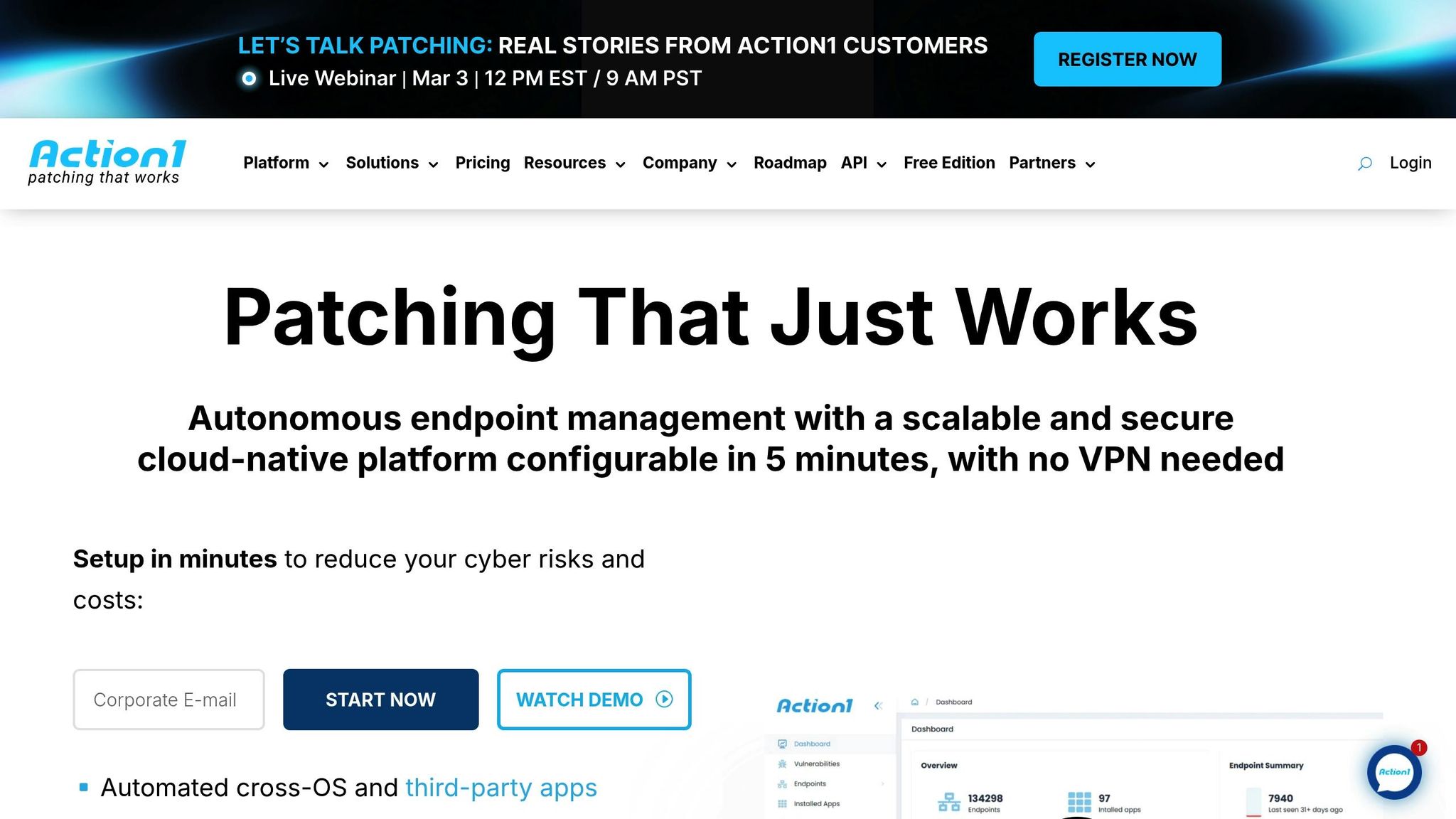
Action1 stands out with its ability to manage endpoints across multiple operating systems. This cloud-native platform supports Windows 10/11, Windows Server, macOS, and Linux distributions like Debian and Ubuntu - all without requiring on-premises servers or VPNs[9]. Its Peer-to-Peer (P2P) patch distribution system is a game-changer for reducing network bandwidth usage, especially in large-scale environments like hospital networks. With over 10 million endpoints patched and a 99% patch success rate, Action1 has proven its reliability in endpoint management[16].
Third-Party Application Patching
Action1 simplifies third-party application patching by maintaining a private repository that supports over 600 applications[9]. This includes critical healthcare tools like Google Chrome, Adobe products, Java, and Zoom. Real-time vulnerability scans occur every few minutes, providing constant protection against new threats[2]. Considering that software vulnerabilities were responsible for 32% of ransomware attacks and 20% of data breaches in 2025, this level of vigilance is essential for protecting sensitive patient data. IT Director Mike Straffin emphasized its efficiency, stating, "Action1 saves 10–15 minutes per machine by enabling remote access"[18].
Automation and Scheduling Options
Action1’s automation features make patch management more efficient. For example, its "Update Rings" allow IT teams to stage and test patches before deploying them widely[19]. The "Missed schedule retry" function ensures that devices receive updates as soon as they reconnect, which is especially useful for mobile medical equipment. Memorial Hospital reported saving $15,000 annually by automating its patching processes. Lead Sr. System Administrator James Legge shared, "Action1 brings everything together in one cohesive unit that allows us to do all the tasks that we need."[20] Managed service providers have also noted significant time savings, with reports of up to 125 hours saved per month thanks to these automation tools[18].
Healthcare Compliance Reporting
Action1 ensures healthcare organizations stay audit-ready with over 100 customizable HIPAA compliance reports and real-time alerts for security changes that could compromise ePHI. The platform also holds key certifications, including SOC 2 Type II, ISO/IEC 27001:2022, and TX-RAMP[9][17]. Users report a compliance rate of over 99%, and the platform boasts a 4.9/5.0 rating on G2 (with 830+ reviews) and Capterra (235+ reviews). G2 even ranks it as the easiest-to-use patch management solution. For smaller organizations, Action1 is free for up to 200 endpoints, with scalable pricing for larger setups[9].
5. Heimdal Patch & Asset Management
Multi-OS Support (Windows, macOS, Linux)
Heimdal simplifies patch management by offering a unified cloud console that handles OS and third-party updates for Windows, macOS, and Linux (Ubuntu 18.04+). This single-pane approach allows healthcare IT teams to monitor and manage their entire software inventory with ease. For proprietary medical software, the "Infinity Management" add-on automates updates using command-line scripts, saving time and effort. To minimize network congestion, Heimdal uses peer-to-peer patch distribution between devices, a crucial feature for facilities with limited bandwidth. These tools ensure smooth and efficient patch delivery for both OS and third-party applications.
Third-Party Application Patching
Heimdal supports automated patching for over 350 third-party applications and drivers, with patches delivered in under 4 hours after the vendor releases them [21][22].
Healthcare professionals have highlighted how this feature saves time and resources:
"Especially the 3-party application patch management has saved us hours of work."
- Administrator, Hospital & Health Care
"Ease of use: took only a few minutes to set it up. Great value: we are saving a lot of man hours, not having to manually update our software."
- IT Consultant, Hospital & Health Care
Automation and Scheduling Options
Heimdal’s automation capabilities remove the need for constant manual updates. The platform offers flexible installation modes, including "Automatic (force) install" for missing applications and "Automatic update" for immediate patching when new versions are available. IT teams can also schedule updates to avoid peak hours or critical periods, such as during surgeries. For urgent security patches, Heimdal provides force-push and on-demand deployment options to ensure updates are applied promptly, no matter the time zone or device availability.
One IT Network Manager shared their experience:
"The platform is an excellent way to automate patching for both Windows updates and third party updates... This platform has allowed us to conform with CyberEssentials+ patch deployment."
- IT Network Manager, Non-Profit Organization Management
By automating these processes, Heimdal not only saves time but also ensures continuous compliance and operational stability.
Healthcare Compliance Reporting
Heimdal is designed to help healthcare organizations meet compliance requirements, including HIPAA, GDPR, NIS2, and NIST standards. The system maintains a complete CVE/CVSS audit trail, making inventory reports and compliance audits straightforward. With HTTPS and encryption securing data privacy, the dashboard provides key cybersecurity metrics and CVSS scores for installed software, enabling IT teams to prioritize updates based on risk levels. Heimdal has partnered with ITHealth to support the UK's National Health Service, with notable users such as Birmingham Women's & Children's Hospital, NHS Northumbria, and Greater Manchester Mental Health NHS Trust.
The platform has earned high ratings, with a 4.8/5 on G2 and 4.6/5 on Capterra, and offers pricing based on a per-device, per-year model that scales from small setups to over 20,000 devices [21][1].
7 Best Patch Management Software Tools in 2025 (Full Demo)
Conclusion
Automated patch management has become a must-have for healthcare organizations aiming to safeguard patient data and ensure uninterrupted care delivery. With a staggering 80% of cyberattacks linked to unpatched vulnerabilities [3], relying on manual patching processes leaves systems exposed for far too long [4].
The tools highlighted earlier tackle these challenges head-on. They address the specific needs of healthcare IT teams, such as maintaining round-the-clock system availability for patient care, adhering to strict regulations like HIPAA and CISA BOD 22-01’s 7–21 day remediation requirements [4], and managing complex environments that span Windows, macOS, Linux, and countless third-party applications. By automating patch identification, testing, and deployment, these solutions not only minimize human error but also allow IT staff to focus on more strategic initiatives.
To meet the high demands of healthcare IT, it’s crucial to select tools that prioritize risks effectively, leveraging resources like CISA’s KEV catalog and high EPSS scores [4]. Schedule updates during off-peak hours to reduce disruptions to clinical workflows, and always test patches in a controlled environment before rolling them out to production [23]. For systems that can’t afford downtime, look for solutions offering live patching to avoid the need for reboots [25].
As the industry moves toward cloud-native and autonomous endpoint management, adoption of these advanced technologies is expected to surpass 50% by 2029 [4]. Organizations that embrace these innovations will be better equipped to protect patient safety, maintain compliance, and counter increasingly sophisticated cyber threats. As AGFA HealthCare puts it:
"Cybersecurity is a high stakes issue in the healthcare sector, where protecting patient data is non-negotiable" [24].
FAQs
How do I choose the right patch tool for a hospital vs. a small clinic?
Choosing the right patch management tool hinges on factors like your organization’s size, IT complexity, and security requirements. For hospitals, it’s crucial to have automated solutions that offer advanced reporting and seamless integration. These features help manage diverse IT systems while ensuring compliance with strict regulations. On the other hand, small clinics often prioritize tools that are cost-effective, easy to deploy, and simple to manage without sacrificing essential functionality.
Regardless of the setting, automation, compliance reporting, and system compatibility remain critical. Tools like Censinet RiskOps™ can play a significant role in bolstering security and simplifying risk management processes.
How can we patch safely without disrupting clinical systems or requiring reboots?
To keep healthcare systems secure without interrupting clinical operations or causing reboots, consider using advanced patch management tools that enable live or hot patching. These tools allow critical updates to be applied while systems remain operational, ensuring no downtime. Many of these platforms also include helpful features like rollback options, risk assessments, and flexible scheduling. This means updates can be timed for maintenance windows or applied with minimal disruption, safeguarding both essential workflows and system security.
What reports and evidence are needed to prove HIPAA patch compliance during an audit?
Healthcare organizations aiming to demonstrate HIPAA patch compliance need to maintain thorough documentation. This includes risk assessments, patch deployment logs, and compliance reports. Essential evidence also involves audit trails, update logs, and automated reports that confirm systems are current. These records showcase an active approach to patch management, meeting HIPAA's Security Rule requirements to address vulnerabilities and safeguard electronic protected health information (ePHI).
