
HIPAA vulnerability scanning is critical for protecting electronic Protected Health Information (ePHI) and meeting compliance requirements. By identifying security gaps in systems like servers, cloud platforms, and connected medical devices, healthcare organizations can prevent costly breaches. Starting in 2026, HIPAA mandates scans at least every six months, with documentation retained for six years. Non-compliance can result in penalties of up to $1.5 million annually.
Key takeaways:
- What is it? Automated scans to find and fix vulnerabilities in systems handling ePHI.
- Why it matters: Healthcare breaches cost $429 per record on average, disrupting patient care and incurring severe fines.
- HIPAA requirements: Biannual scans, event-triggered scans, and detailed record-keeping.
- Tool features to look for: Credentialed scanning, asset coverage, CVSS scoring, encrypted reports, and automated rescans.
- Costs: Range from $499/year for small practices to $70,000+ for large systems.
To ensure compliance and streamline risk management, tools like Censinet RiskOps™ integrate scanning results into actionable workflows, helping healthcare organizations secure ePHI and prepare for audits.
HIPAA Requirements for Vulnerability Scanning
What HIPAA's Security Rule Requires
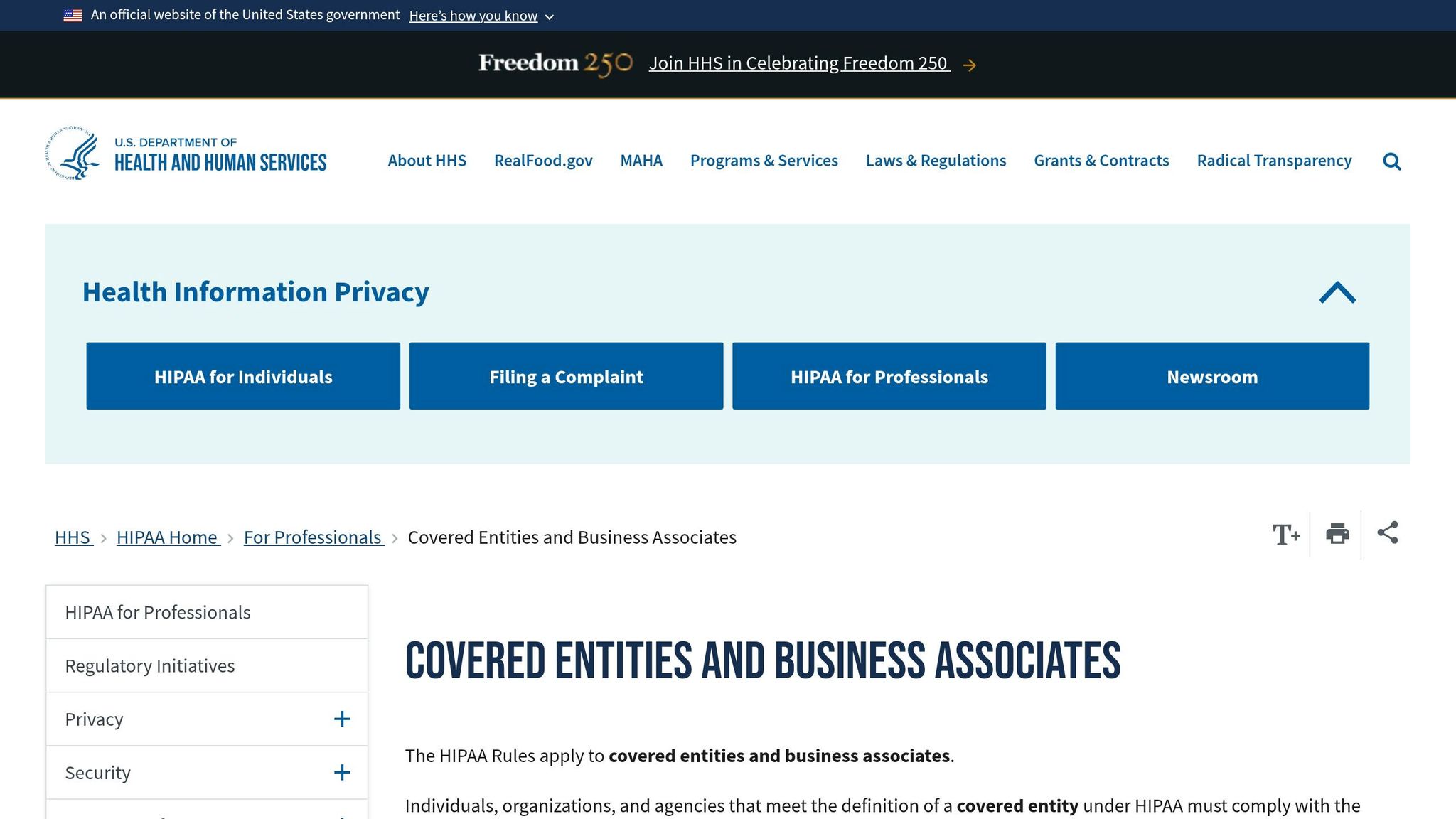
The HIPAA Security Rule's Security Management Process (§ 164.308(a)(1)(ii)(A)) emphasizes the need for thorough risk assessments to safeguard electronic protected health information (ePHI) [1]. One of the key ways organizations meet this requirement is through vulnerability scanning.
The Office for Civil Rights (OCR) now expects scans to occur at least every six months on all systems that handle ePHI. This includes servers, workstations, databases, cloud environments, and even connected medical devices [5][8]. OCR has also shifted its stance on certain safeguards, treating previously "addressable" controls as mandatory in many cases [7].
"This proposed rule to upgrade the HIPAA Security Rule addresses current and future cybersecurity threats. It would require updates to existing cybersecurity safeguards to reflect advances in technology." - Melanie Fontes Rainer, OCR Director [6]
Scans should also be triggered after major system changes, such as new deployments, significant upgrades, or network restructuring [2][5]. It's critical to document scan schedules, methodologies, findings, and remediation actions, and retain these records for at least six years [2][5].
These evolving requirements underline the importance of using scanning tools specifically designed to meet HIPAA's stringent standards.
Features a HIPAA-Compliant Scanning Tool Must Have
Not all vulnerability scanning tools are suitable for healthcare environments. To comply with HIPAA, tools must include features tailored to the unique challenges of protecting ePHI. Here are the key capabilities to look for:
| Feature | Why It Matters for HIPAA |
|---|---|
| Authenticated (credentialed) scanning | Provides deeper insights into patch levels and internal configurations that unauthenticated scans might overlook [2][3]. |
| Comprehensive asset coverage | Ensures all relevant systems are scanned, including servers, workstations, cloud services, web apps, and IoT/medical devices [3][5]. |
| CVSS scoring with business context | Helps prioritize vulnerabilities by considering asset importance and the sensitivity of ePHI, not just raw severity scores [2][9]. |
| Audit trails and logging | Tracks who performed scans, what was scanned, and any configuration changes, ensuring accountability [3][9]. |
| Encrypted, access-controlled reporting | Protects reports with encryption and multi-factor authentication (MFA) to prevent accidental exposure of ePHI [3][4]. |
| Automated verification rescans | Confirms that vulnerabilities have been properly addressed and remediated [5][9]. |
If you rely on a third-party scanning provider, you must have a Business Associate Agreement (BAA) in place before they access systems containing ePHI [2]. Additionally, scans should only be conducted by qualified cybersecurity professionals or vetted external parties operating under the terms of the BAA.
For vulnerabilities that can't be patched immediately - such as those on older medical devices - HIPAA does not demand the impossible. Instead, organizations should document a risk acceptance memo that justifies the decision and outlines compensating controls like network segmentation [5][9].
sbb-itb-535baee
Beyond the Surface: Understanding Different Types of Vulnerability Scans
How to Choose the Right Vulnerability Scanning Tool

HIPAA Vulnerability Scanning Costs by Organization Size
Types of Vulnerability Scanning Tools for Healthcare
Healthcare environments are far more intricate than standard corporate networks. They include EHR systems, patient portals, connected medical devices, and cloud workloads - all of which interact with or store ePHI. Since no single tool can handle everything, it’s important to understand the purpose of each type.
Network scanners examine your infrastructure for open ports, misconfigured services, and known vulnerabilities across servers, firewalls, and endpoints. Web application scanners focus on patient-facing systems like portals and APIs, which are prime targets for external attackers. Endpoint and host-based platforms dig deeper into individual workstations and servers, checking for patch levels, local misconfigurations, and OS-level weaknesses. These are particularly effective when used with authenticated scanning.
However, general-purpose tools often miss specialized assets like PACS imaging systems, DICOM servers, and IoT medical devices. Healthcare-specific tools should be able to identify these assets and work with protocols like HL7 and DICOM, not just standard TCP/IP services [10].
"The global health sector faces unique risks that directly impact patient safety. Censys research helps the healthcare community better understand device and system exposures." - Errol Weiss, Chief Security Officer, Health-ISAC [10]
Grasping these tool categories is essential to evaluating and selecting the best solution for your organization.
Key Factors to Evaluate Before Choosing a Tool
Choosing the right tool starts with aligning it to your organization's ePHI environment, deployment preferences, and budget. Your organization’s size, technical expertise, and the complexity of its ePHI landscape all play significant roles. Begin by mapping where ePHI is created, stored, and transmitted - whether on-premises, in the cloud, or across mobile endpoints [3]. This map will help define the scanning scope and ensure no critical areas are overlooked.
The deployment model is a critical consideration. Cloud-based platforms are easier to manage and scale, while on-premises solutions offer greater control - especially important if your organization has strict data residency rules. Cost also varies by organization size. For example:
- Small practices (1–50 staff) typically spend $499 to $2,000 annually on managed scanning services [5].
- Mid-size organizations (50–500 staff) usually budget $5,000 to $9,000 annually for scanning platforms supported by in-house staff [5].
- Large health systems (500+ staff) can expect costs of $35,000 to $70,000+ annually for enterprise-grade solutions with continuous monitoring [5].
| Organization Size | Typical Annual Cost | Recommended Approach |
|---|---|---|
| Small practice (1–50 staff) | $499–$2,000 | Managed scanning service |
| Mid-size (50–500 staff) | $5,000–$9,000 | Scanning platform + internal staff |
| Large health system (500+ staff) | $35,000–$70,000+ | Enterprise platform with continuous monitoring |
Ease of use and scalability are also key. A platform that’s too complex may end up underutilized or misconfigured. For smaller teams, prioritize tools with user-friendly dashboards, automated scheduling, and built-in remediation tracking. Additionally, ensure the tool supports six years of report retention to comply with HIPAA’s documentation requirements [5][9].
When scanning vendor-managed medical devices, always check with the manufacturer to confirm which scan types are safe to run. Some devices have fragile firmware that could be disrupted by overly aggressive scans. Secure written approval and coordinate maintenance windows with clinical leadership to safeguard patients and maintain compliance [3].
How to Implement HIPAA Vulnerability Scanning
Building a Scanning Workflow
After selecting the right tool, the next step is to create a well-organized process. Start by compiling a detailed asset inventory of all systems that handle ePHI. This will help define the scope of your scans. Configure scans using dedicated accounts with minimal privileges, secured by multi-factor authentication (MFA) and a credential vault. Credentialed scanning is essential for identifying deeper configuration issues and overlooked patches [2][12].
Conduct both external scans - to simulate internet-based attacks targeting VPNs and patient portals - and internal scans, which focus on identifying risks like insider threats and lateral movement within your network. This dual approach ensures a thorough understanding of your security vulnerabilities [5]. For medical devices managed by vendors, use specialized scan templates that avoid disrupting sensitive firmware or compromising patient safety [3][11].
Once your workflow is in place, the next step is to establish a consistent scanning schedule and maintain detailed records.
Maintaining Scans and Keeping Records
Although HIPAA requires biannual scans at a minimum, performing scans quarterly - or even more frequently - provides better protection for high-risk environments. Besides scheduled scans, conduct event-driven scans whenever major changes occur, such as introducing new systems, restructuring your network, or when a critical vulnerability (CVE) is disclosed [2][12].
After applying patches or fixing configurations, follow up with a scan to confirm the issue has been resolved and to generate audit evidence [5]. Set clear timelines for addressing vulnerabilities based on their severity, and document any risks that cannot be mitigated immediately [2][5][11].
Keep an audit-ready evidence package that includes essential documentation like scope statements, scanner configurations, findings reports, remediation plans, and risk acceptance memos. HIPAA mandates retaining these records for at least six years [2][12]. Following these steps supports compliance with the updated 2026 HIPAA Security Rule, helping healthcare organizations safeguard patient data, demonstrate accountability, and minimize risks across their ePHI environment.
Censinet and Healthcare Risk Management
When it comes to healthcare, vulnerability scans alone won’t cut it. What’s needed is a structured, audit-ready risk management system that transforms scan results into actionable and traceable compliance documentation. That’s where Censinet RiskOps™ steps in, offering a tailored solution specifically designed for healthcare organizations.
How Censinet Supports HIPAA Compliance
Censinet RiskOps™ simplifies risk management for healthcare by centralizing workflows. It connects vulnerability findings to ongoing risk assessments, tracks remediation efforts, and organizes compliance documentation. The platform also extends its oversight to vendors, clinical applications, and medical devices, all of which may interact with protected health information (PHI).
This is critical for HIPAA compliance, particularly under the Security Rule, which mandates that organizations demonstrate continuous management of vulnerabilities - not just their identification. Censinet RiskOps™'s Risk Register is a key tool here, offering a centralized hub to track findings with clear ownership and an audit-ready history.
Key Features of Censinet RiskOps™
The platform streamlines risk management with an automated corrective action workflow. This feature routes findings directly into the Risk Register, assigns responsibility - whether to an internal team or a vendor - and tracks progress until the issue is resolved. This eliminates the need for manual follow-ups, which can be a challenge in busy healthcare IT settings.
Another standout feature is the AI-powered Risk Assessor Agent, which speeds up document reviews, risk scoring, and report creation, cutting assessment times by as much as 66% [14]. For organizations juggling multiple vendors or facilities, this efficiency boost is a game-changer. Additionally, the platform’s benchmarking tools leverage one of the largest collections of healthcare risk data [13], enabling organizations to compare their security maturity against peers. This helps prioritize which vulnerabilities to address first.
| Feature | Benefit for HIPAA Compliance |
|---|---|
| Risk Register | Tracks findings with clear ownership and maintains an audit-ready history |
| Automated Corrective Action Plans | Assigns responsibility and tracks remediation to completion |
| Risk Assessor Agent (AI) | Speeds up assessments, saving up to 66% of time [14] |
| Benchmarking | Helps prioritize gaps by comparing against healthcare peers |
| Evidence Storage | Organizes policies, BAAs, and documentation for audits |
| Incident Alerts | Provides real-time breach and ransomware notifications tied to your vendor list |
These features ensure that healthcare organizations not only address vulnerabilities but also meet HIPAA’s rigorous documentation requirements. Censinet RiskOps™ offers flexible options, from self-directed platform use to fully managed risk management services, allowing organizations to choose the level of support that best suits their needs.
Conclusion: Using Scanning Tools to Meet HIPAA Requirements
HIPAA vulnerability scanning isn’t just a recommendation - it’s a requirement. Starting in 2026, the Security Rule mandates scans at least every six months for any system handling ePHI [5]. Considering the high costs of breaches and severe penalties [5], investing in a reliable scanning program makes both financial and operational sense.
However, choosing the right scanning tool is only part of the equation. The real value lies in integrating scan results into a clear, documented remediation process. Addressing critical vulnerabilities within 7–15 days is essential [5], as is maintaining thorough documentation of findings, actions taken, and any risk-acceptance decisions [5][9]. These steps ensure your organization is not only protecting itself from threats but also staying prepared for OCR audits.
Platforms like Censinet RiskOps™ make this process seamless by turning scan data into actionable compliance documentation. They link findings to remediation workflows, vendor risk assessments, and a centralized Risk Register. For healthcare organizations juggling multiple facilities, third-party vendor risk management, and medical devices, this level of oversight transforms scanning from a routine task into a robust security strategy.
FAQs
What systems count as “handling ePHI” for scan scope?
Systems managing electronic protected health information (ePHI) cover a wide range of technologies. These include platforms like electronic health records (EHR), patient portals, telehealth services, and mobile health apps. Medical devices, IoT systems, workstations, servers, databases, and network infrastructure also fall under this category. Additionally, any cloud services, SaaS applications, VPNs, or third-party systems that interact with ePHI must be thoroughly assessed.
How can we scan medical devices without disrupting patient care?
To ensure patient care remains uninterrupted, combine passive and non-disruptive active scanning methods. Begin with passive discovery tools to create an asset inventory by observing network traffic without interacting directly with devices. For active scans, opt for low-impact approaches such as traffic throttling or using vendor-specific configurations. Timing is key - schedule scans during off-peak hours or align them with biomedical maintenance activities. Tools like Censinet RiskOps™ can simplify this process while upholding compliance and prioritizing patient safety.
What evidence do we need to keep for a HIPAA audit?
To stay compliant during a HIPAA audit, it's essential to keep evidence of a continuous security program - not just a one-time compliance effort. Here are the key types of records you should have on hand:
- Policies and Procedures: Maintain written, version-controlled policies, along with training logs and signed Business Associate Agreements (BAAs) to demonstrate adherence to HIPAA requirements.
- Technical Documentation: This includes risk analysis reports, logs from vulnerability scans, tickets for remediation efforts, access control records, and proof of encryption in use.
Make sure to store these records for at least six years. Use tamper-evident and read-only formats to preserve their integrity and ensure they remain unaltered.
