
Proper disposal of electronic devices containing ePHI is a legal requirement under HIPAA. Failure to securely erase or destroy data can lead to breaches, costly fines, and reputational damage. The OCR’s guidance provides steps to ensure compliance, including risk analysis, secure sanitization methods, and vendor management.
Key takeaways:
- Devices affected: Computers, smartphones, copiers, USB drives, servers, and more.
- Sanitization methods: Overwriting, degaussing, cryptographic erase, or physical destruction (NIST SP 800-88 standards).
- Compliance benefits: Proper destruction exempts organizations from breach notification requirements.
- Risk management: Inventory tracking, vendor accountability, and staff training are critical.

HIPAA-Compliant Electronic Device Disposal Process: 4-Step Framework
What the OCR Guidance Covers
Devices and Media Covered by HIPAA Rules
The OCR guidance applies to all types of electronic devices and media that store or process electronic protected health information (ePHI) - even those not immediately thought of as data storage devices.
This includes computing devices like desktops, laptops, tablets, and smartphones, all of which must be disposed of in compliance with HIPAA regulations. Infrastructure equipment, such as servers and network storage systems, also falls under these rules. Office equipment, like digital copiers, photocopiers, and multi-function printers, poses a particular challenge. These devices often have internal hard drives that store copies of documents, making them a potential risk if not properly handled.
Removable storage media require equally careful consideration. This category includes internal and external hard drives, USB flash drives (or thumb drives), magnetic tapes, and optical discs like CDs and DVDs. Thumb drives, in particular, have been frequently linked to HHS HIPAA investigations and settlement agreements due to theft or loss[1].
The risks associated with these devices underscore the importance of adhering to legal requirements for secure disposal.
Legal and Regulatory Requirements
To address these risks, legal standards mandate that ePHI must be destroyed in a way that makes it irretrievable. The HIPAA Security Rule (45 C.F.R. § 164.310(d)(i)-(ii)) provides the framework for these requirements, obligating covered entities and business associates to establish formal policies and procedures for the secure disposal and re-use of hardware and media containing ePHI[1].
This means organizations must ensure ePHI is destroyed so it cannot be reconstructed or accessed. Decommissioning processes should include securely erasing hardware and updating inventory records accordingly[1].
Following HHS guidance for disposal - making PHI unusable, unreadable, or indecipherable - ensures that the data is no longer classified as unsecured PHI. As the OCR explains:
"PHI that is disposed of consistent with existing HHS guidance on rendering PHI unusable, unreadable, or indecipherable is not considered to be unsecured PHI [and is not] subject to HIPAA's breach notification requirements"[1].
sbb-itb-535baee
How to Conduct Risk Analysis for Device Disposal
Steps in Conducting a Risk Analysis
Start by creating a detailed inventory of all devices and storage media that hold ePHI. This includes desktops, laptops, tablets, smartphones, servers, and even digital copiers with internal hard drives. Knowing exactly where ePHI is stored is a critical first step.
Then, examine your current disposal plan to ensure it addresses all types of electronic media. Check whether your asset management systems can identify equipment targeted for recovery and ensure asset tags or any corporate identifiers are removed before disposal. Establish formal decommissioning procedures, which should include secure data erasure, inventory updates, and proper documentation of data disposition.
Failing to conduct a thorough risk analysis can have costly consequences. For instance, Affinity Health Plan faced a $1.2 million settlement after neglecting to erase photocopier hard drives before returning leased equipment. This case highlights the risks of inadequate disposal practices and the importance of corrective measures[1].
Your risk analysis should also cover vendor and staff responsibilities. Make sure certified providers handle data destruction, train employees involved in the process, and maintain a documented chain of custody during staging, storage, and transportation. Assess security measures at every stage to reduce risks during disposal.
Using Industry Standards
Once your risk analysis is complete, refer to NIST guidelines for detailed sanitization methods. NIST Special Publication 800-88 offers a structured approach to selecting sanitization techniques based on the type of media and the required level of data protection. As of September 2025, the latest version is Revision 2, which helps organizations align their sanitization efforts with the sensitivity of the information being stored.
The guidelines recommend determining the confidentiality level of the data on each device and then choosing a sanitization method - Clear, Purge, or Destroy. NIST defines sanitization as a process that makes it "infeasible for a given level of recovery effort" to access the data[4].
For modern encrypted storage devices, cryptographic erase is an effective option. This involves deleting the encryption key, which renders the stored data irretrievable. Additionally, organizations should evaluate whether high-risk equipment requires on-site destruction to eliminate transport risks and ensure a secure chain of custody is maintained throughout the process.
Secure Disposal Methods
NIST SP 800-88 Sanitization Techniques
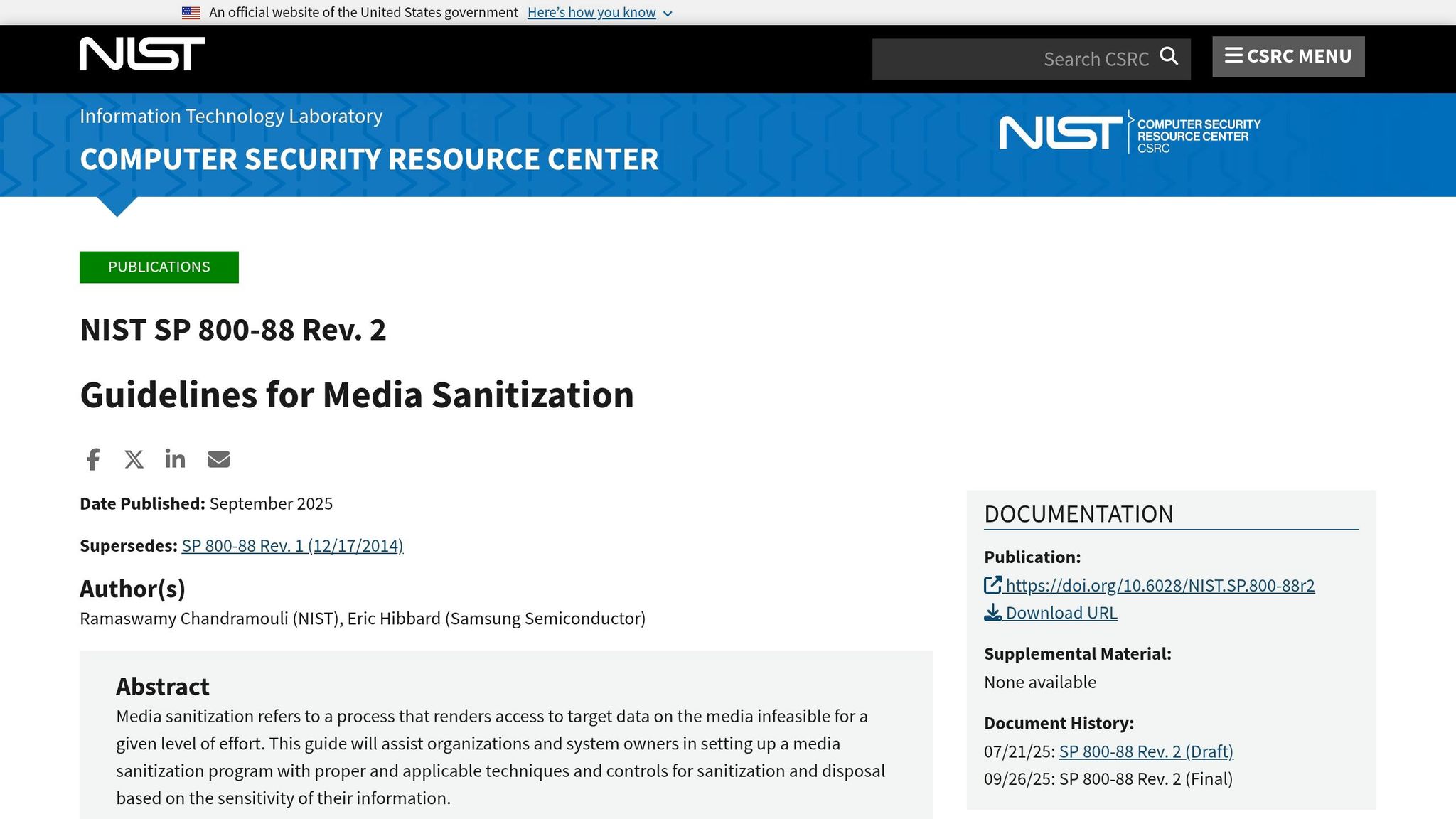
The NIST SP 800-88 Rev. 2 guidelines are the go-to standard for securely disposing of electronic media containing Protected Health Information (PHI). These updated recommendations address advancements in storage technology and provide a clear framework for selecting the right sanitization method.
"Media sanitization refers to a process that renders access to target data on the media infeasible for a given level of effort." - NIST SP 800-88 Rev. 2 [5]
NIST outlines three main sanitization categories based on the required level of data protection:
- Clear: This method overwrites storage areas to block simple data recovery attempts. It’s ideal for devices being reused within secure environments.
- Purge: Using physical or logical techniques like degaussing or cryptographic erase, this method ensures data cannot be recovered even under more rigorous conditions.
- Destroy: This involves physical processes such as pulverization, disintegration, melting, or incineration, rendering the media completely unusable.
For encrypted devices, Cryptographic Erase (CE) is gaining prominence. CE works by deleting the encryption keys that protect the data, making the stored information inaccessible without the need for physical destruction. The latest revision highlights CE as a key option for encrypted media, reflecting modern data security practices in healthcare.
Choosing the correct method depends on your hardware and the specific situation. For instance, encrypted drives may benefit from CE, while media at the end of its lifecycle often requires physical destruction. Always verify that sanitization has been successful before releasing the device from your control.
Once sanitization methods are chosen, organizations must formalize these practices through well-documented policies.
Creating Policies and Procedures
Building effective policies is essential for ensuring devices are securely managed throughout their lifecycle. HIPAA mandates that disposal processes be documented, meaning organizations must establish a formal media sanitization program tailored to the type of media and the sensitivity of the PHI involved.
"This guide will assist organizations and system owners in setting up a media sanitization program with proper and applicable techniques and controls for sanitization and disposal based on the sensitivity of their information." - NIST SP 800-88 Rev. 2 [5]
Policies should clearly define:
- The appropriate sanitization method for each type of device.
- The individuals authorized to handle disposal activities.
- The steps required to document the entire process.
To identify gaps in your current workflows, tools like the Security Risk Assessment Tool from the Office of the National Coordinator can be invaluable [6].
It’s also crucial to account for state-specific regulations. For example, Indiana’s data privacy law, effective January 1, 2026, highlights the trend toward stricter state-level enforcement. Organizations must stay proactive by updating compliance frameworks to address both federal HIPAA standards and evolving state laws.
Regularly reviewing your policies ensures that disposal protocols stay aligned with current regulations and best practices.
Staff Training and Vendor Management
Training Staff on Device Disposal
A secure device disposal process relies heavily on well-trained staff and effective vendor management. Employees involved in decommissioning devices must fully understand the protocols for secure, documented disposal. This includes knowing how to properly erase, destroy, or recycle devices, ensuring that data is either migrated securely or permanently destroyed.
Training should be tailored to meet the specific needs of your organization and the variety of devices it uses. Employees must be able to identify all potential sources of electronic protected health information (ePHI). This extends beyond obvious devices like desktop computers and smartphones to include less apparent items, such as photocopier hard drives, USB drives, and backup tapes.
"The HIPAA Rules are flexible and scalable to accommodate the enormous range in types and sizes of entities that must comply with them. This means that there is no single standardized program that could appropriately train employees of all entities." - HHS.gov [7]
Key training topics include removing asset tags and corporate identifiers before devices leave the facility, updating inventory records for decommissioned equipment, and documenting sanitization methods. Staff should also be familiar with the organization’s sanction policies for non-compliance with secure disposal procedures. Proper training ensures that every step of the disposal process, from decommissioning to destruction, is carefully documented and controlled, supporting a secure chain of custody.
Chain of Custody and Vendor Accountability
While internal training is crucial, managing third-party vendors is equally important to maintain data security during disposal. When vendors are responsible for device disposal, a documented chain of custody is essential. This process tracks devices from decommissioning to final destruction, ensuring ePHI remains secure throughout. Poor documentation can lead to regulatory scrutiny and costly penalties.
Make sure disposal vendors are certified and comply with NIST SP 800-88 standards. Confirm that their staff has undergone proper clearance and training. Vendor agreements should explicitly outline accountability, including any subcontractors involved in the disposal process.
It’s also vital to establish clear procedures for staging and storing devices before vendor pickup. Under no circumstances should devices awaiting disposal be left in unsecured areas like dumpsters or general trash bins. Assign clear responsibilities for initiating, approving, and verifying secure media disposal. For added security, consider on-site hard drive destruction before equipment leaves your facility to minimize risks even further.
How Censinet RiskOps™ Supports HIPAA-Compliant Device Disposal
Automated Risk Assessments
Censinet RiskOps™ takes the complexity out of risk assessments for device disposal. It automates the process of evaluating devices like desktops, laptops, tablets, smartphones, copiers, servers, and storage media such as USB drives and CDs - key areas outlined under OCR guidance. By automating the identification and evaluation of ePHI stored on these devices, the platform eliminates the need for manual tracking, ensuring every detail is accounted for during decommissioning.
This automated risk analysis addresses essential OCR-required questions: What data is stored? Where is it located? How will it be securely disposed of? By answering these questions, the platform eases the workload on IT and compliance teams, integrating seamlessly into broader risk management activities.
Centralized Risk Management
Censinet RiskOps™ makes managing device disposal risks straightforward by bringing everything together in a unified dashboard. This dashboard allows organizations to track decommissioned devices, oversee vendor disposal processes, and maintain an accurate inventory of equipment awaiting disposal.
The platform also streamlines third-party vendor risk management by embedding it into your risk workflows. It not only helps document the chain of custody but also ensures disposal vendors comply with NIST SP 800-88 standards [1][3]. This means you can verify that external vendors securely destroy ePHI and keep thorough records of equipment staging and storage before transfer. These centralized tools provide a solid foundation for continuous compliance oversight.
Maintaining Continuous Compliance
HIPAA's Security Rule mandates ongoing compliance for device disposal procedures (45 C.F.R. § 164.310(d)(i)-(ii)). Censinet RiskOps™ supports this by offering real-time monitoring and automatic updates to your disposal protocols. The platform tracks out-of-service hardware and confirms secure data migration or destruction, helping organizations adapt to evolving OCR requirements [1].
Physical Shredding vs Degaussing | Data Destruction for HIPAA & GDPR Compliance
Conclusion
Getting rid of old devices securely isn't just a good practice - it’s a critical step in preventing expensive data breaches. Take, for example, the $1.2 million settlement that resulted from failing to properly sanitize photocopier hard drives. This case highlights how poor disposal practices can lead to both financial hits and damaged reputations [1].
The OCR guidance sets clear expectations for healthcare organizations. They must perform detailed risk analyses, stick to the NIST SP 800-88 sanitization standards, and keep a tight chain of custody throughout the disposal process. This applies to all electronic devices - whether it’s servers, laptops, smartphones, USB drives, or even office copiers.
"PHI that is disposed of consistent with existing HHS guidance on rendering PHI unusable, unreadable, or indecipherable is not: Considered to be unsecured PHI [or] Subject to HIPAA's breach notification requirements."
– Practical Law [1]
When organizations follow HHS-approved disposal methods, they’re not only protecting sensitive data but also avoiding the hassle of breach notification requirements. This can save both time and resources. Tools like Censinet RiskOps™ make the process easier by automating risk assessments, centralizing vendor management, and ensuring ongoing compliance.
As more hospitals and clinics move toward electronic recordkeeping - 96% of U.S. non-federal acute care hospitals now electronically share care records [2] - the amount of ePHI stored on various devices is skyrocketing. This makes a strong disposal process even more vital. By enforcing risk analysis, adhering to NIST SP 800-88 standards, and documenting every step of the chain of custody, organizations can protect patient data, avoid hefty fines, and stay compliant with regulations.
FAQs
What devices are considered ePHI storage under HIPAA?
Devices that store electronic protected health information (ePHI) under HIPAA include desktops, laptops, tablets, servers, storage devices, smartphones, and other forms of electronic media. Proper handling of these devices is critical, especially during disposal, to ensure they meet HIPAA compliance standards.
What’s the best NIST 800-88 method for my device?
The most suitable NIST 800-88 method depends on how sensitive the data on your device is. NIST SP 800-88 Rev. 2 describes several media sanitization techniques, including cryptographic erase, clearing, and physical destruction. Each method is tailored to different types of media and varying security requirements. It's essential to select a method that matches the kind of device you're working with and the level of confidentiality your data demands.
What disposal records are needed for OCR audits?
For OCR audits, it's crucial to keep detailed records of your risk analysis, the decommissioning process, and the proper disposal of devices and media that contain Protected Health Information (PHI). Your documentation should clearly demonstrate that your actions align with HIPAA policies and procedures, specifically those governing PHI and the disposal of electronic media.
